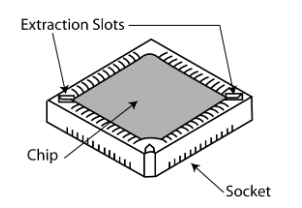
PXL controllers do not have flash firmware and so they require a physical chip change. The PXL Firmware Upgrade ship kit comes with a chip extraction tool to assist with the removal and replacement of chips - failure to use the extraction tool properly may permanently damage the chip and/or the socket.
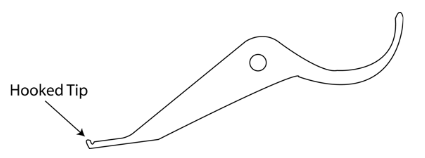
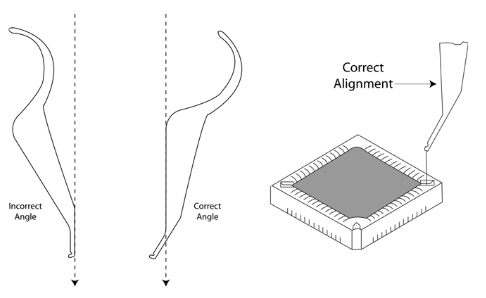
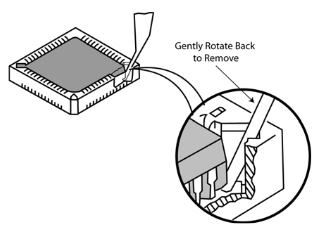
Important Note: DO NOT attempt to completely extract the chip from the socket on the first extraction. Lift from one side until the corner is above the socket, then repeat the procedure on the opposite corner. If necessary, repeat the procedure on each side until the chip is completely free of the socket.
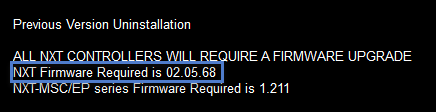
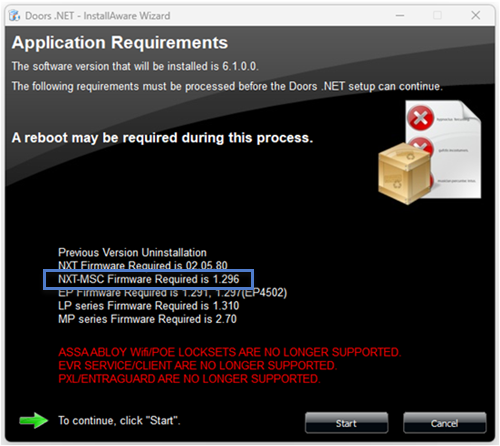
When you run the Doors.NET installer you will see an Application Requirements window. This window will inform you if standard NXT controllers need a firmware upgrade and the version they should be upgraded to.
There will also be a notification in the Live Events grid if the controller needs a firmware upgrade.
During the upgrade the latest firmware versions will be installed into the C:\Keri\DoorsNET\Firmwarefolder.
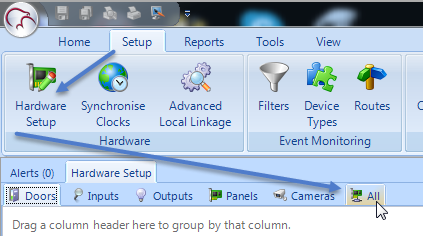


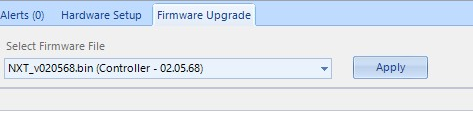
When you run the installer you will see a notification if the MSC controller firmware needs upgrading.
You will also see a notification in live events when a new controller is added to the system.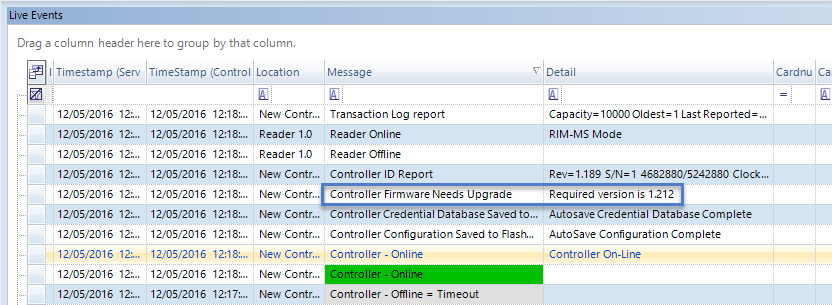
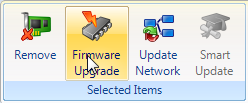
Perform the following steps to upgrade the controller firmware.
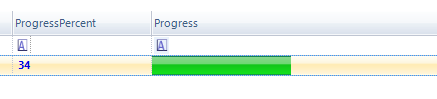
Note:It takes approximately 2 minutes to upgrade the controller firmware but there is minimal system downtime because the controller will continue to function throughout most of the upgrade process. There is just a few seconds at the end of the process where the controller will not be functioning, during which time the controller will go offline then back online again.
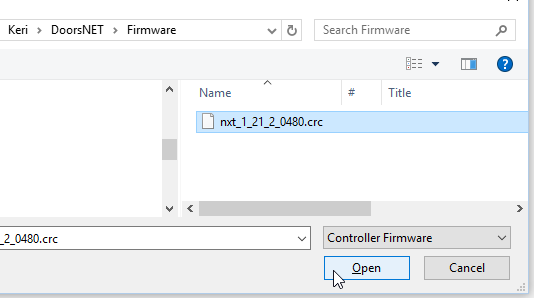
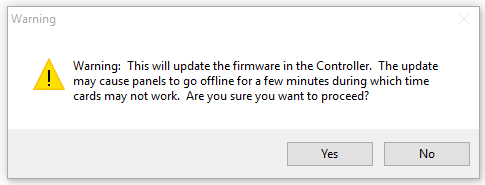
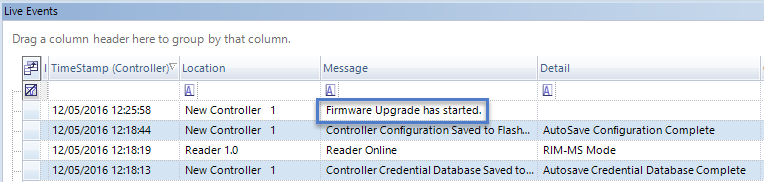
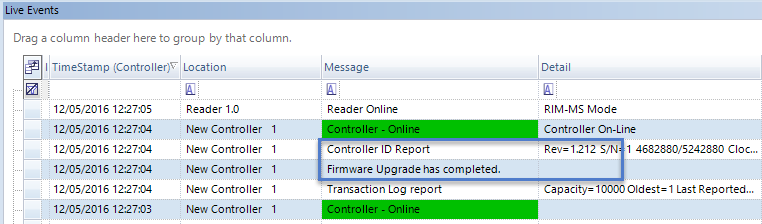
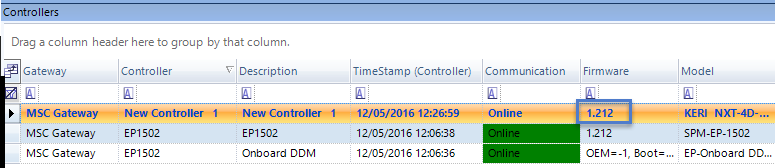
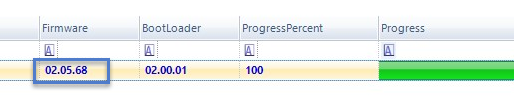
Your MSC controller is now ready for configuration and operation
Note: Typically a firmware upgrade is to a newer version, but downgrading to an older version is allowed. However each Doors.NET software revision has minimum firmware revision requirements. Proper software and hardware operation is not guaranteed if you downgrade to a firmware revision that is out-of-date for the software revision installed.
Doors.NET also detects out-of-date Mercury EP, LP and MP controller firmware and Doors.NET includes the latest supported and approved Mercury firmware. Upgrading the firmware on Mercury controllers is the same procedure as with NXT-MSC controllers.
Notes: